Easby Payables and Payments Instructions

Where is the Payables Payments & Expenses area within Easby?
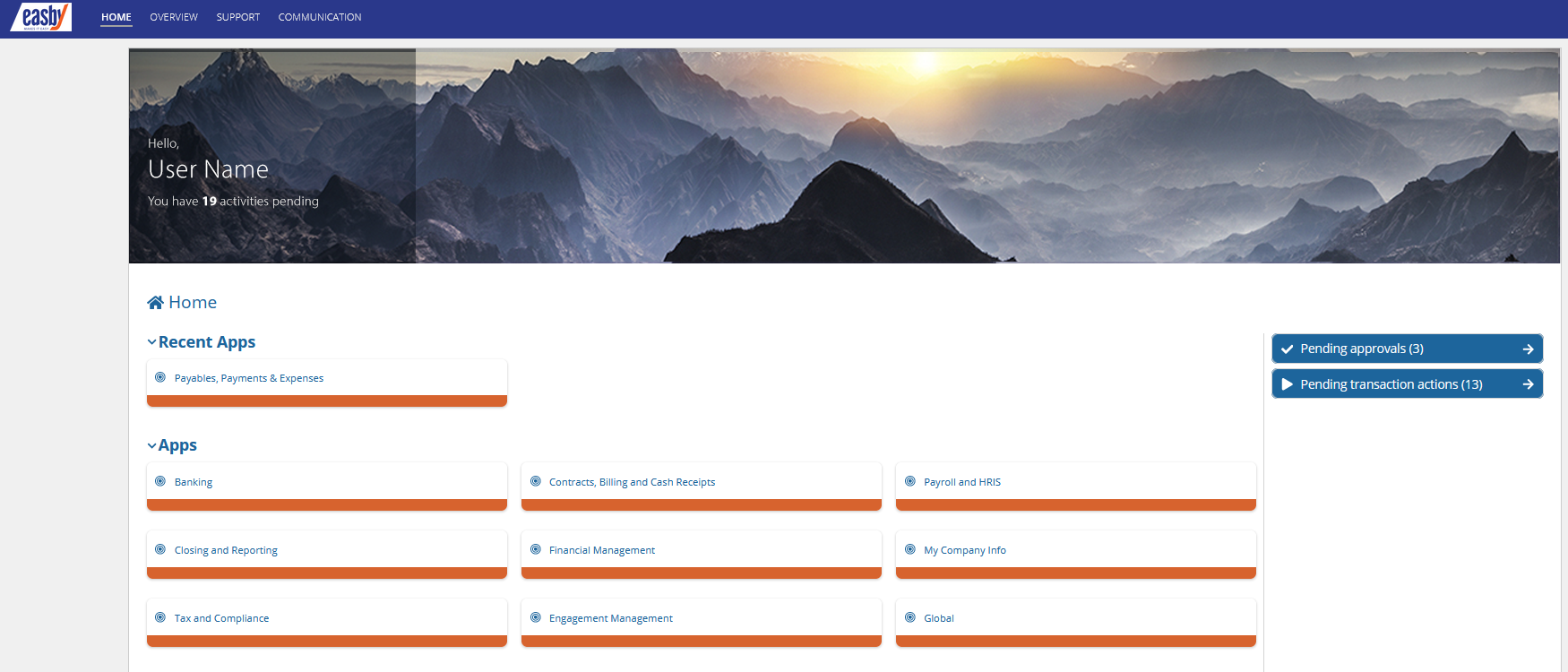
To view the Payables Payments & Expenses application in Easby, click on “Payables, Payments, and Expenses” on Easby’s home screen.
How do I VIEW Payables, Payments, and Expenses?
Once in Payables, Payments & Expenses, you will be able to View and Search Transactions as well as Perform Approvals. Access is limited by security roles.
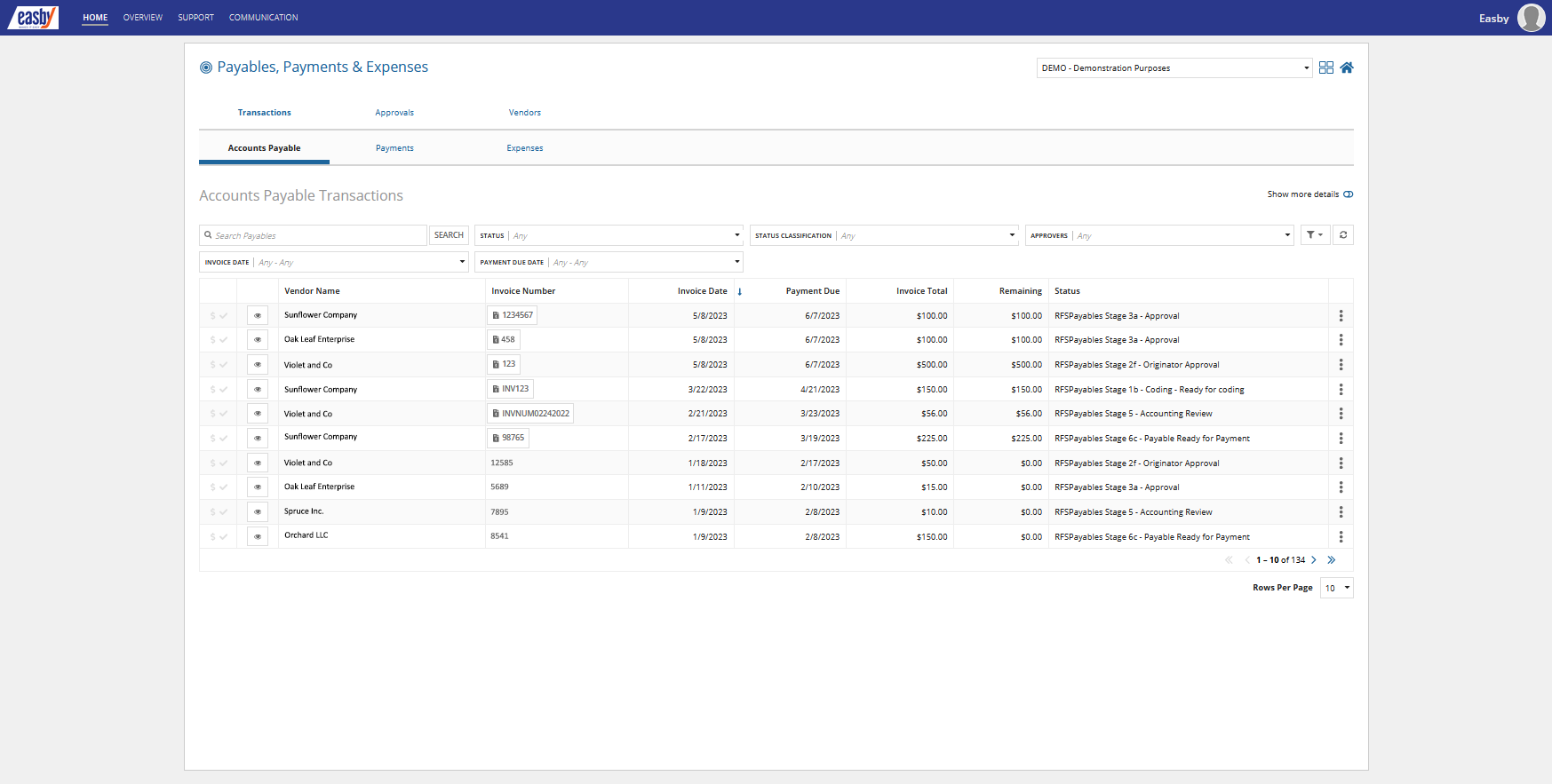
Use the “Transactions” tab to search historical transactions and view vendor invoice data and related support files. You can open a record by clicking on the three vertical dots located on the right-most portion of the respective row.
How do I VIEW Vendors?
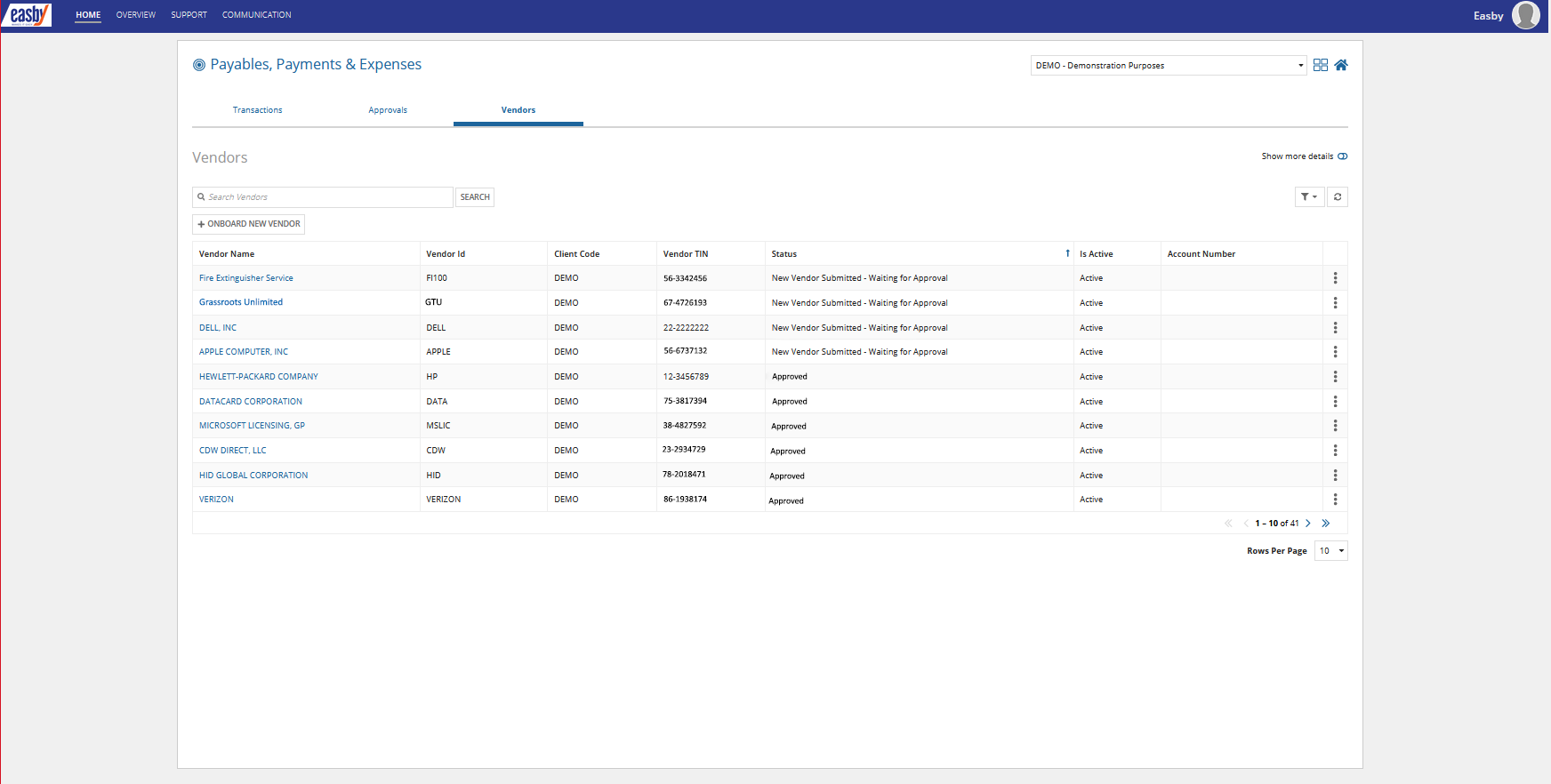
Easby's “Vendors” section allows users to view and manage vendors. This includes details such as vendor names, IDs, status, and W-9 information.
How to APPROVE Payables?
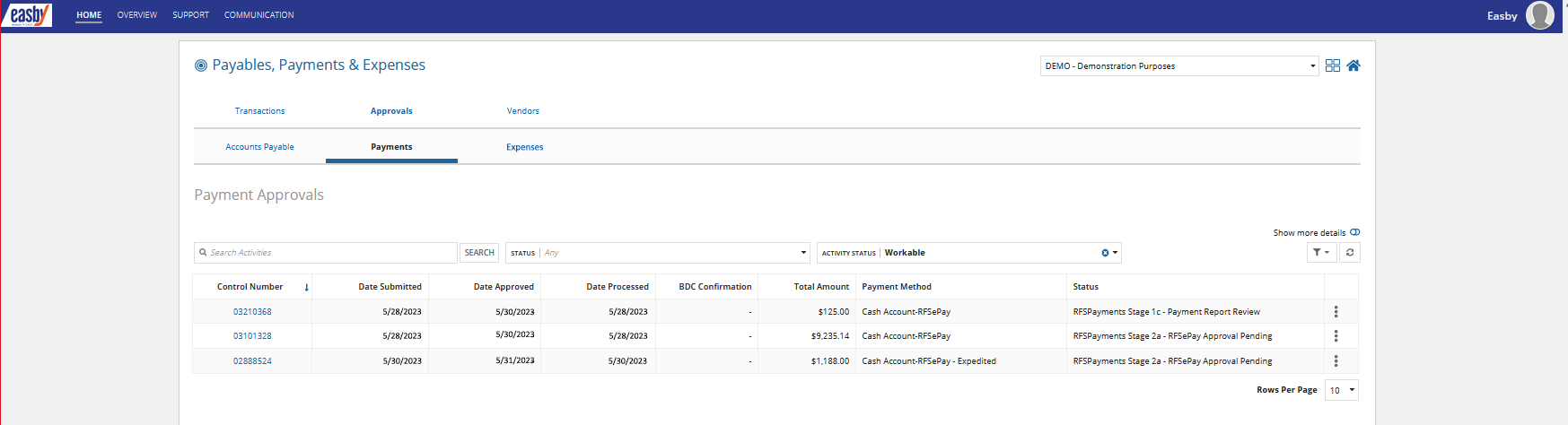
Migrate to the “Approvals” tab to manage and track pending approvals and have visibility into payables after approval to see payment status updates.

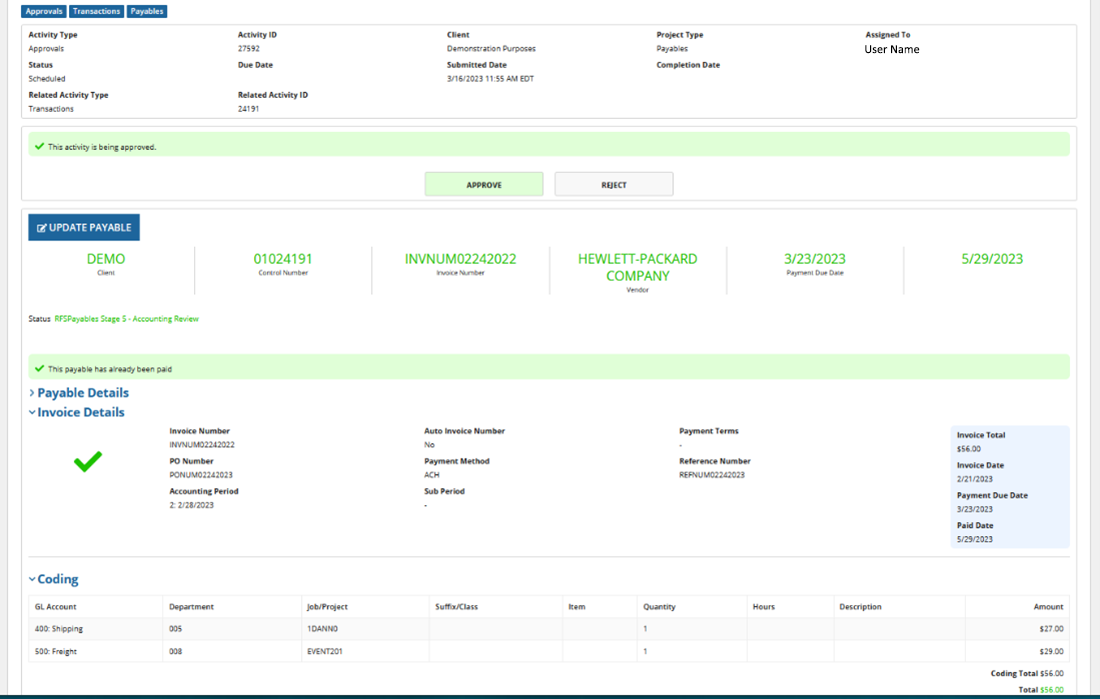
Click the “Play” button (arrow) on the left side of the record row. This will open the payable. You can review all invoice data, coding, and support documentation.
Your role is to approve or reject with comment. Below is a sample view of “inside” a payable record where “Approve” has been selected.
Once you select Approve or Reject, scroll to bottom of record and client “Submit”. You will then be taken back to your payables list.
Will I Receive a System Notification?
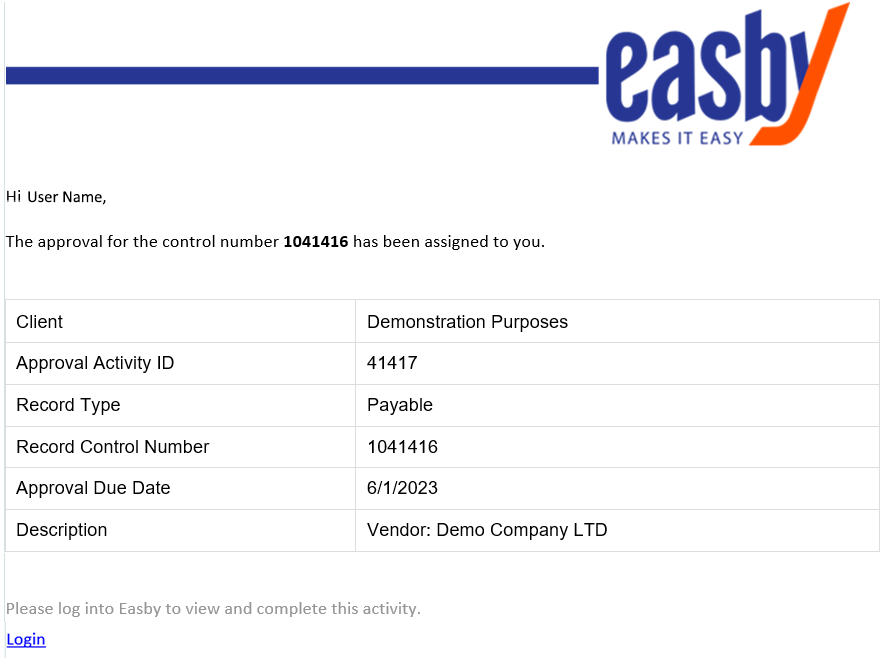
Upon approval assignment, users will receive an email notification confirming that an approval is pending action. Easby will also generate system reminders of overdue approvals from time-to-time.